Blacksheep Mind Get the book, $12

A Blacksheep Mind web book · Writing for social media

Your last post is three weeks old. You know exactly which one it is.

Eight steps to plan a month of posts around the hours you really have, make them in one sitting a week, and carry on when a week goes wrong. For shop owners, salons, cafes, trades and makers who do their own posting after the real work is done.

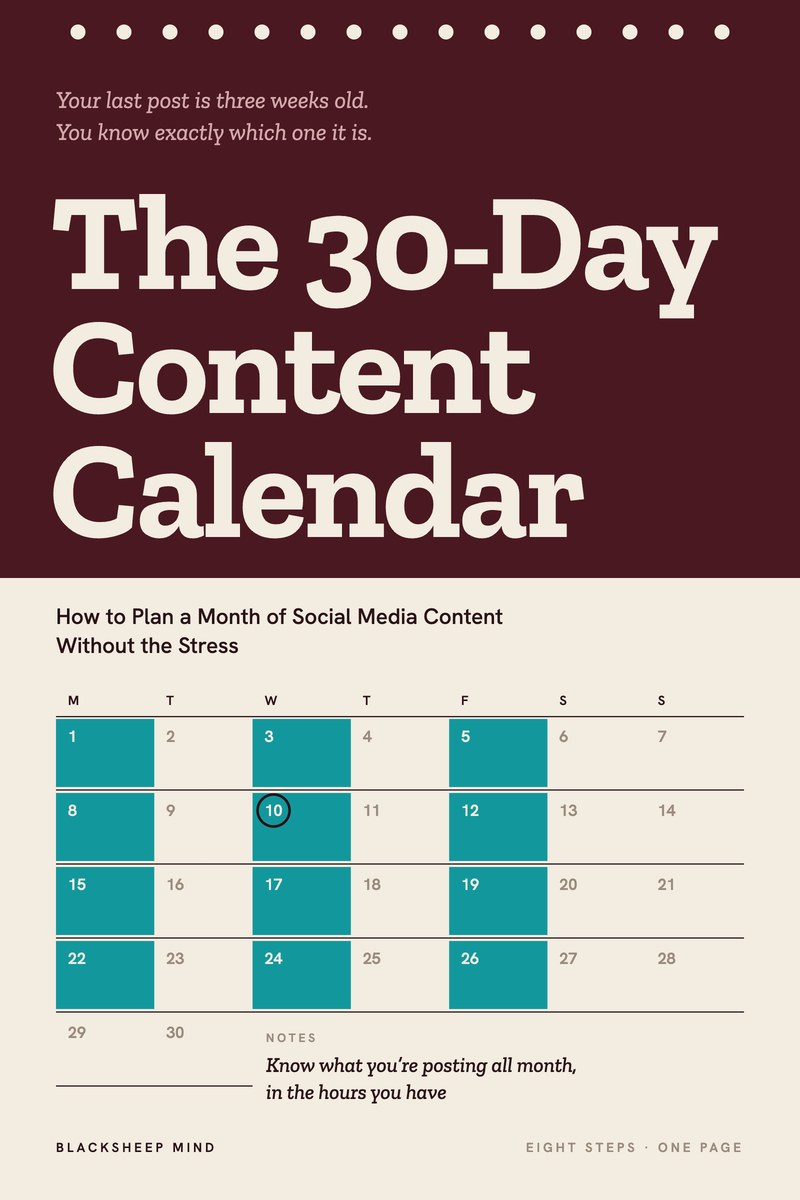
The 30-Day Content Calendar: How to Plan a Month of Social Media Content Without the Stress. Know what you’re posting all month, in the hours you have.

The cover of The 30-Day Content Calendar: How to Plan a Month of Social Media Content Without the Stress.
Read it online, or download the PDF to keep or print. Nothing is posted to you.
Chapters
8
Tools
3
Reading
51 min
Price
$12
Get the book, $12

Read it tonight on your phone or laptop. One price, no upsells. No refunds: you get the whole book straight away.

The moment

Shop’s closed, dinner’s done, and you’re deciding what to post

  • Three posts one week. Nothing for the next three.
  • The app open at 9pm, and nothing ready to put in it.
  • A calendar template in your downloads folder, stopped in week two.
  • A catch-up evening: three posts in one night, to a page that went quiet.

You tell yourself you’ll get on top of it when things calm down, or when you find a better template. Things don’t calm down, and the templates start with 30 empty boxes and a post a day. Start from the week you actually have, and plan for the week it goes wrong.

What’s inside

Eight steps, in the order you build your first month

  1. 01

    Count the Hours You Really Have

    Start from the time last month really gave you, not the time you wish you had. Then set a normal week and a low week.

  2. 02

    Pick Three Themes for the Month

    Three shelves you can always reach into, each with five or six kinds of post your own business can make.

  3. 03

    Give Each Posting Day a Job

    Decide once what each posting day is for, and let the same week repeat all month.

  4. 04

    Get Four Posts Out of One Idea

    Show it, show it happening, explain it, and let a customer say it. One good idea fills a week.

  5. 05

    Put the Month on One Page

    The month’s dates first, then one short line for each post. About an hour, in one sitting.

  6. 06

    Make the Week’s Posts in One Sitting

    A batch session, meaning several posts made in one sitting: all the photos, then all the captions, then scheduling. 60 to 90 minutes a week.

  7. 07

    Schedule It, Then Leave Room for Today

    Posts that go out without you, a quick check that they did, and one open slot a week for what happens on the day.

  8. 08

    When You Miss Days, Pick Up at Today

    Skip what you missed, post today’s, and don’t start the month over. No apology posts, no catch-up evenings.

Plus a short introduction and a closing chapter that lays out your first 30 days week by week, ending with a 20-minute look back that plans the next month. 8 chapters, about 51 minutes to read.

A page from the book

Missed a week? Skip it, post today’s, carry on.

Step 8 · from the book, word for word

When You Miss Days, Pick Up at Today

A case

Eight days in the spring rush

Folake runs a garden center, and the first warm weekends of spring are the busiest of her year. One April she missed eight days in a row. Three posting days went by while she was unloading flats of annuals and running a second register.

Her first reflex was what she’d done the spring before: a “Sorry we’ve been so quiet, it’s been crazy” post, then three posts in one night to catch up, then nothing for another two weeks.

This time she skipped the eight days. That Friday she posted the slot already on her planner: the new hanging baskets. On Monday, with no time to make anything, she posted a spare, a 10-second clip of the greenhouse at opening. Then she ran her low week, two posts and a Story, for the next two weeks, until the rush eased.

By the end of the month she had posted 10 times, none of them an apology and none of them three in a night.

What to do
  1. Don’t post an apology. Open your planner and find today.
  2. Post today’s slot. If it isn’t made, post a spare.
  3. Cross out the missed posts. Move one good one that’s still true into next week, and drop anything with a date that’s passed.
  4. Run your low week until the rush is over, then go back to your normal week.
  5. At your next batch session, make one new spare for each one you used.
What to say
Instead of

“Sorry we’ve been so quiet, it’s been a crazy few weeks.”

Try

“Hanging baskets are in. The big ones go first, so come early on Saturday.”

Instead of

“We’re back. Did you miss us?”

Try

“Back to normal hours from Monday. Here’s what came in while we were busy.”
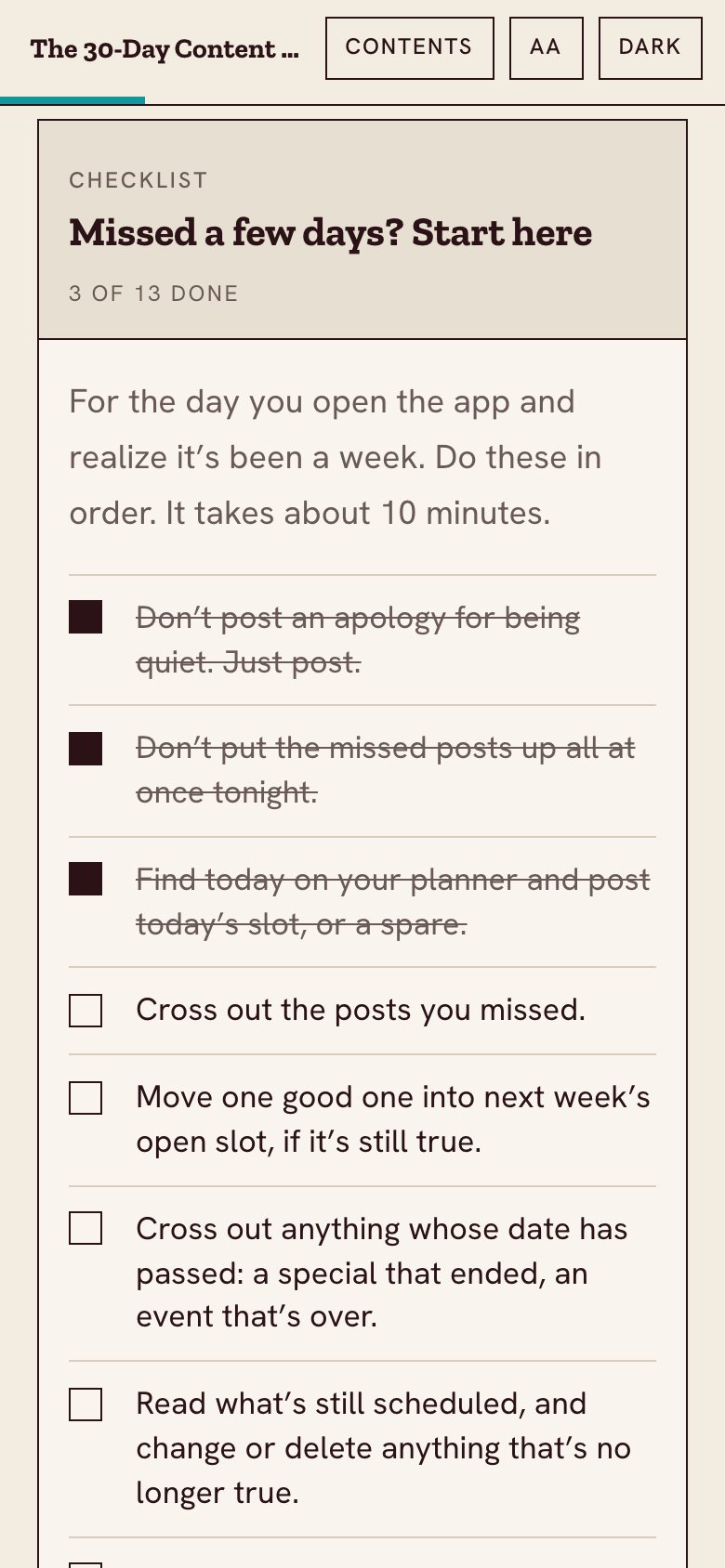
The missed-days checklist in the web book, on a phone, with three items ticked.
Missed a few days? The checklist, on your phone
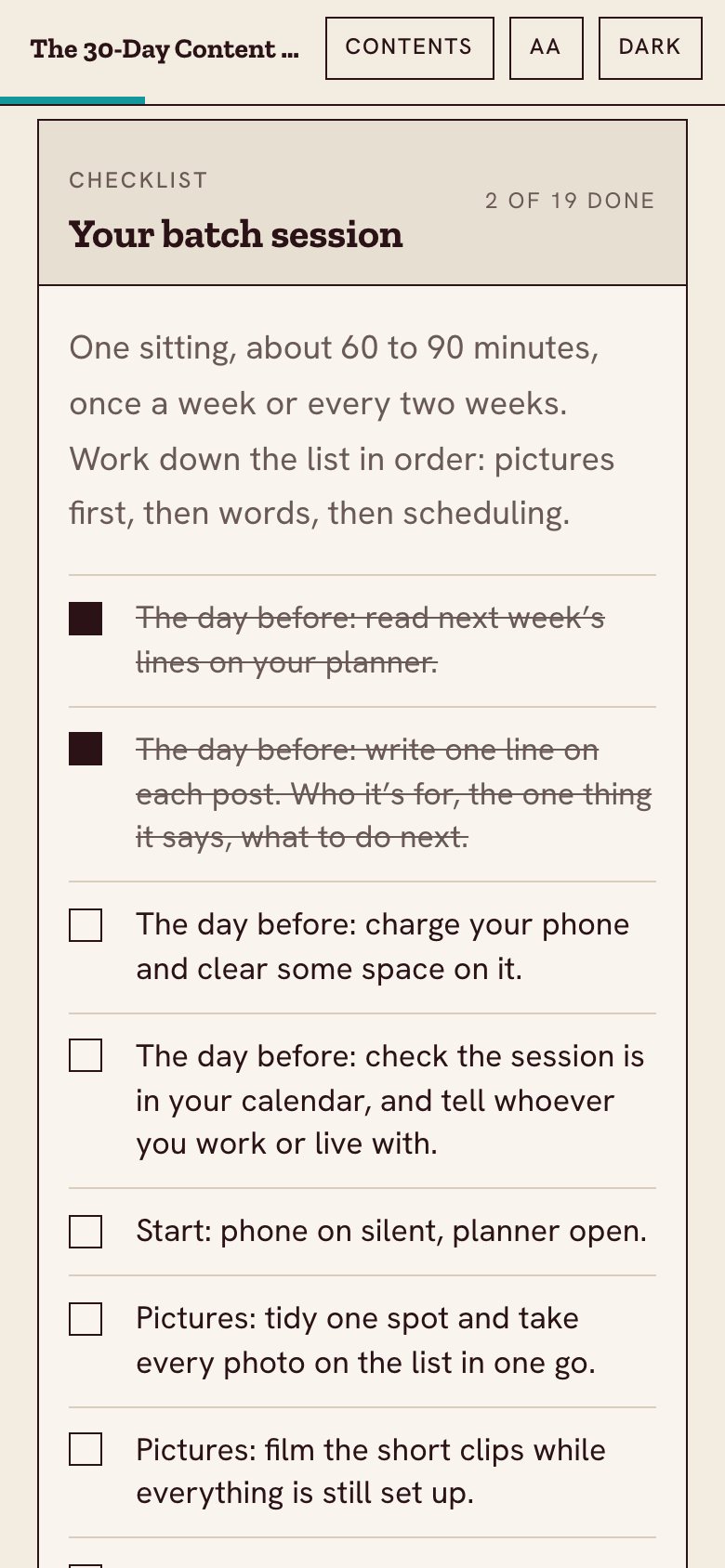
The batch session checklist in the web book, on a phone, with two items ticked.
Your batch session, ticked off as you go

The tools

The three things you’ll keep open all month

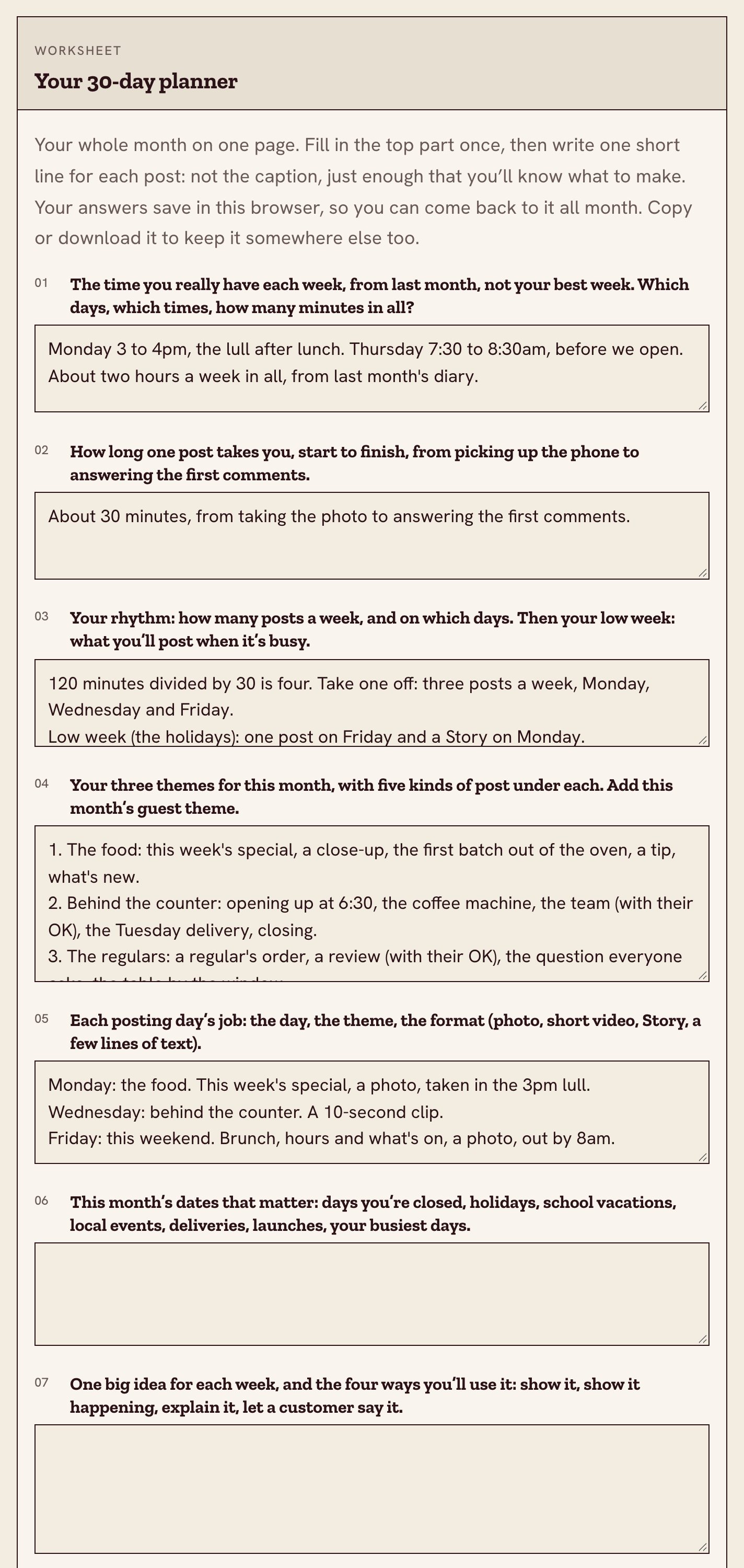
  • WorksheetYour 30-day plannerYour hours, your rhythm, three themes and each day’s job, then one short line for every post, four weeks on one page. It saves in your browser.
  • ChecklistYour batch sessionPictures first, then words, then scheduling, in one sitting of 60 to 90 minutes a week or every two weeks.
  • ChecklistMissed a few days? Start hereAbout 10 minutes, in order, for the day you open the app and realize it’s been a week.
The 30-day planner worksheet in the web book, part filled in with an example for a small cafe.
The 30-day planner, with a made-up example filled in

Who it’s for

For the owner who posts after closing

For you if

  • You run a shop, salon, cafe, bakery, florist, trade or studio, and you do the posting yourself.
  • You make things and sell them online or at markets, and you post when there’s something new.
  • You post in bursts: three one week, then nothing for three.
  • You’ve tried a calendar template before, and it stopped in week two.

Not for you if

  • You want 30 ready-made captions for any business. This book plans your own month, from your own business.
  • You run an agency, or you’re building a following as an influencer.
  • You want help with the first line of a post, filming video or what social media should do for your business. Other books on our shelf cover those.
Get the book, $12

8 steps · 3 tools · plan it this weekend

Your questions

Before you buy

How much time does this take?

About 51 minutes to read. About two hours one weekend to plan your first month. Then one session of 60 to 90 minutes a week, and about 10 minutes on the days a post goes out. If that’s too much, the first step shows you how to plan for less.

Do I have to post every day?

No. You pick how often from the time you really have. Two posts a week is a real plan.

What if I miss days?

That’s planned for. There’s a chapter and a checklist: skip what you missed, post today’s, carry on. No catch-up posts, no starting the month over.

Will it tell me what to post?

It helps you pick three themes and list the kinds of post your own business can make under each, so you aren’t starting from a blank page. It isn’t a list of 30 posts written for any business.

I’ve tried calendar templates before. Why would this one stick?

Because it doesn’t start with the calendar. It starts with your week: your hours, your busy days, your quiet ones. The calendar comes fifth, and there’s a plan for the weeks that go wrong.

Will this get me more followers or sales?

Nobody can honestly promise that. It gets your posts made and out on the days you planned, without the 9pm scramble. What happens after that depends on a lot of things.

Is it a PDF?

You get both. Read it online on your phone or laptop, where the worksheets save as you type, or download the PDF to keep or print. In the PDF, the worksheets have lines to fill in by pen.

The 30-Day Content Calendar: How to Plan a Month of Social Media Content Without the Stress

Plan it this weekend. Post all month.

$12one price, no upsells
Get the book, $12

Read it online, or download the PDF to keep or print. Nothing is posted to you. No refunds: you get the whole book straight away.