Step 5 · from the book, word for word
Make a Logo You Can Make Yourself
The template on someone else’s van
Kwame runs a landscaping business with one van. One morning at the garden supply yard, he parked next to a van with his logo on it: the same mountain-and-tree template, a different name underneath. He’d paid for vinyl lettering on his own van the spring before.
His first reflex was to pick another icon from the same app, which could just as easily turn up on the next van.
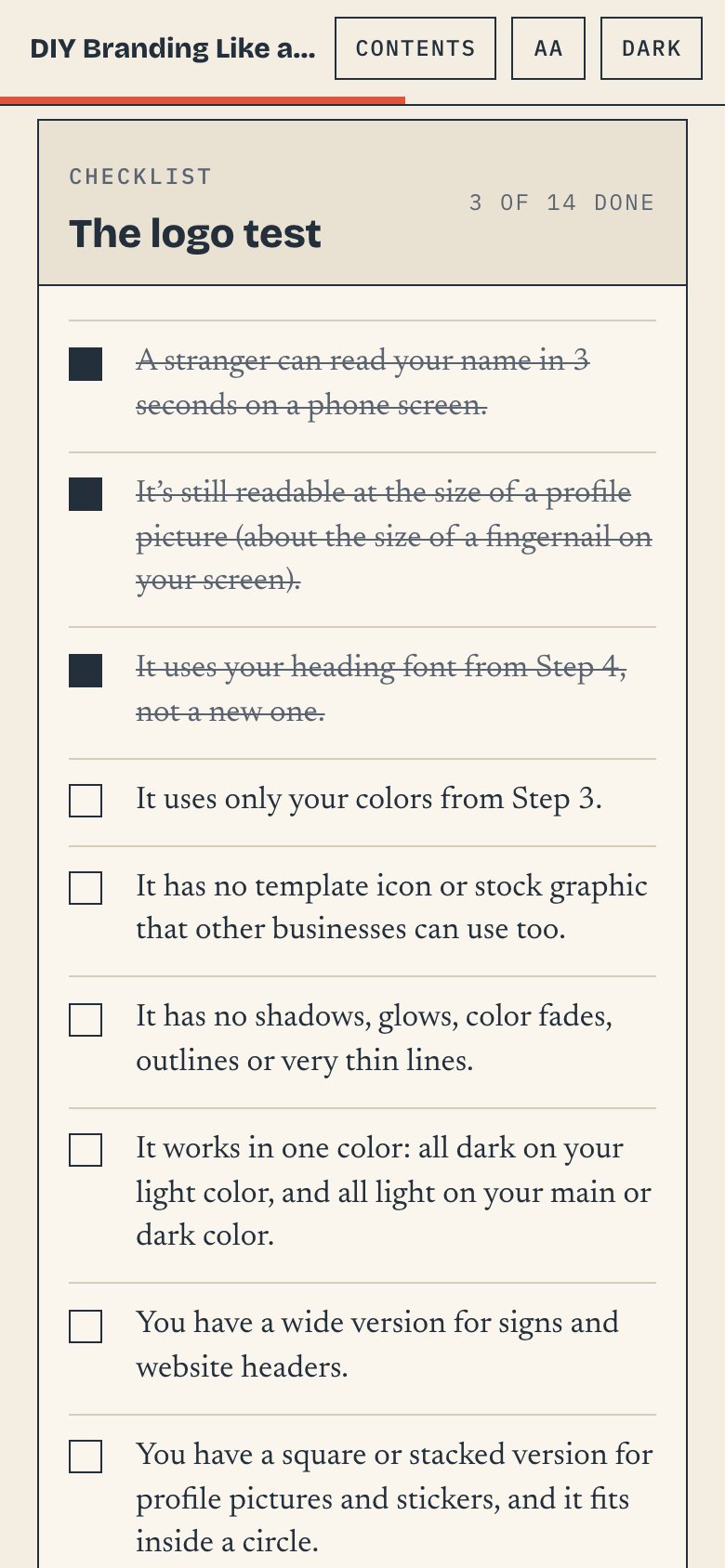
Instead, he typed his business name in the heading font he’d chosen in Step 4, in his dark green, and added a leaf he drew himself from two curved shapes. He made a wide version, a stacked version and an all-white version for the dark van doors, and checked each at profile-picture size. He used it on his quotes and profile picture for a month, then sent the sign maker the font name, two color codes and a PNG of the leaf, not a screenshot.
The sign maker rebuilt it in under half an hour, for less than last year’s quote to redraw a screenshot. For the first time, the van, the quotes and the profile picture matched.
“Can you make it look like this screenshot?”
“Our logo is our name in [font name], free from Google’s font library, in color [#hex code]. Could you set it up as a vector file for the van?”
“Just use the colors from our Instagram.”
“Our colors are [#main] and [#dark]. Could you send a test print before the full order?”